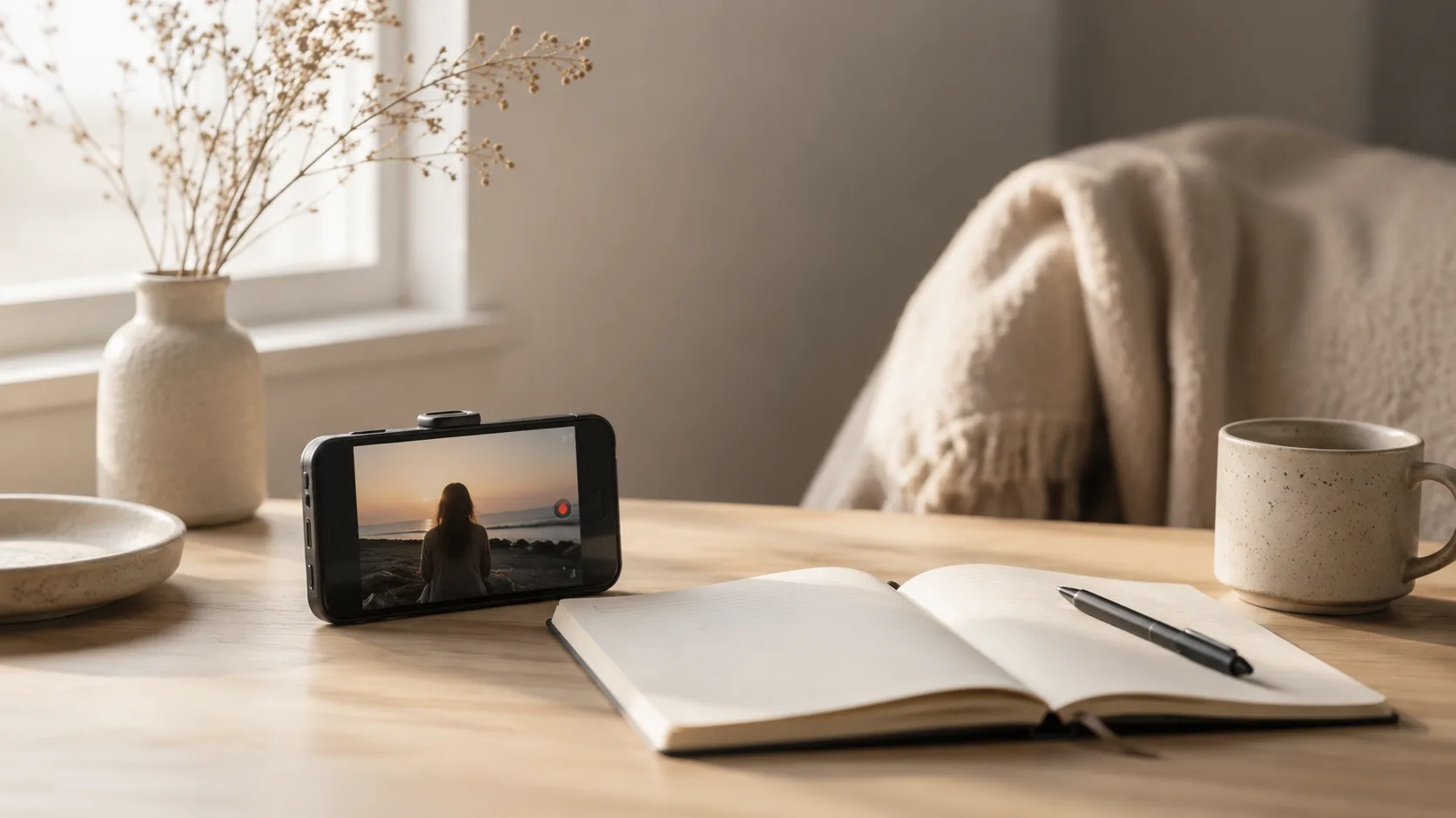
Most video diaries start as scraps. Things like coffee filmed for no clear reason, a street at night, or two seconds of a friend laughing look random in the camera roll. In an edit, they start to become a small record of how life felt that week.
Learning how to create a video diary is mostly learning what to leave in, what to cut, and how to make short phone footage comfortable to watch. The edit doesn’t need to be expensive, but it needs a point of view.
Easy Video Editing: How to Create a Video Diary
Film Like You Are Leaving Notes for Yourself
A video diary needs details. Film the things that disappear from memory first: the light on your desk, a half-finished breakfast, wet shoes by the door, a pet sleeping in a ridiculous pose, the same corner of the same street on a different day.
For vlogging for beginners, this is much easier than speaking to the camera for five minutes. Use the camera like a note app: record a few seconds, then stop. The clip only has to hold one detail.
Keep each shot steady for four or five seconds. That gives room to cut off the shaky start. If the camera moves, move slowly. A quiet shot usually ages better than a fast sweep across the room.
The 1 second video format is a good habit builder. One clip a day removes the pressure to document everything. Still, the final edit needs air. A boiling kettle, a train arriving, or someone turning back at the door may need two or three seconds. Keep some clips tiny and let a few stay longer.
Find a Thread Before You Start Cutting
A video journal feels more complete when the footage has one small thread. Time is a simple one: morning, afternoon, evening, night. Weather also works. So does color, a repeated route, meals, hands, windows, or the slow change of a room across the month.
For a cozy video diary, stay close to objects and gestures: hands putting a mug down, a blanket on the sofa, steam over a pan, a lamp turning on. These details pull the viewer into the day faster than a long explanation.
This is also where lifestyle vlog editing starts. The edit should feel as if someone lived through the day. It starts to feel fake when every clip tries to prove that the day was interesting. Choose clips that belong to the same mood. A noisy concert clip might be great, but it may break a quiet Sunday diary unless the whole edit moves toward that moment.
Before opening an editor, make one folder for the project. Move in only the clips that might survive the edit. Delete duplicates and pocket recordings. With twenty good clips, the timeline feels manageable, but with eighty almost identical clips, the edit turns into scrolling.
Video editing for beginners often begins with this kind of choosing. Pick the clip with the clearest action or the strongest feeling. If two clips do the same job, get rid of one.
Build the First Cut Plain
The first cut should look almost unfinished: put the clips in order, trim the beginning and end of each one, watch the sequence, move clips around, then watch again.
Do not start with transitions. A cut from tea being stirred to a coat on a chair already has movement if the timing is right. A fade will not fix a clip that stays too long. An effect will not give a random shot a reason to be there.
When learning how to edit videos, pay attention to the moment the eye understands the frame. Start the clip there. End it before it turns dull. A half-second cut changes the whole pace of a diary.
Easy video editing, for this kind of project, means fewer decisions per shot. Trim it. Set the volume. Add a small note if the clip needs context. Move on.
A nice rhythm often comes from mixing short details with slower shots. Three quick clips of a wallet, shoes, and a door can lead into a longer street shot. The longer shot gives the viewer a place to rest.
Make the Sound Soft Enough
Phone audio is rarely even: one clip has traffic, one has a loud kitchen fan, one has wind, one has a voice too close to the mic. Left untouched, those jumps make the edit tiring.
Listen once with the screen turned away. Lower the rough parts. Keep sounds that place the moment: rain, footsteps, a spoon against a cup, a train, a dog breathing. Those small sounds make the diary feel closer to the real day.
Some clips have the opposite problem: the moment is nice, but the sound is too low. A friend says something funny from across the table, rain is barely audible, or a short voice note gets lost under the music. In that case, a volume booster like this https://www.movavi.com/tools/volume-booster/ can raise the clip’s audio enough for the moment to be heard, as long as the background noise does not rise with it too much. But push it gently.
Music should sit under the footage, not flatten it. A quiet instrumental track is enough for many diaries. Bring the original audio up for one or two moments, then let it fall back.
Audio narration works if it is short. Record it after the rough cut and say one true thing from the day: “The walk home was colder than it looked,” or “I kept filming the kitchen because the light was strange.”
Text should stay just as light. A date, a place, a short sentence. “March was mostly rain.” “First dinner on the balcony.” “Walked home the long way.” If every clip has a caption, the viewer starts reading instead of watching.
Use a Simple Editor and Finish While the Memory Is Fresh
A diary edit needs trimming, a readable timeline, volume controls, titles, and basic color tools. That is enough for most everyday footage, so even something simple like Movavi Video Editor will do the job.
A beginner diary usually lives in the timeline, trim handles, volume sliders, titles, and light color correction. Automatic subtitles handle short spoken notes. Noise removal reduces traffic, room hum, or a kitchen fan when the original sound is rough. Use those tools quietly. The diary should still feel close to the clips that came from the phone.
Create a repeatable routine: collect clips, choose the best ones, build a rough cut, adjust sound, add a few notes. A weekly or monthly diary is easier to finish than a huge yearly recap. Smaller projects also teach faster because every edit shows what to film next time.
Before exporting, watch once like a stranger and notice where attention drops. Shorten that clip, lower that music, remove the caption that explains too much, and check the first and the last shot. A diary often ends nicely on a quiet image: lights off, an empty plate, a closed laptop, a window after dark.
A few seconds from ordinary days, placed with care, become something photos rarely hold on to: the room, the weather, the small movements, the sound of a place, and the mood you would otherwise forget.