If you’ve ever curled up in a café (or on your sofa!) with an iPad, Apple Pencil, and a matcha latte, you already know the magic of digital art.
For many of us, the iPad has become a cosy, portable little art studio. It’s a place to sketch ideas as they arrive, paint when inspiration hits, or just unwind with some creative play after a long day.
You don’t need the latest iPad to create art. I use an iPad Mini 5 from years ago.
But with so many digital art iPad apps out there, it’s easy to feel a bit overwhelmed when you’re starting out.
Which one is actually worth downloading? Which apps are beginner-friendly? And which ones do illustrators swear by?
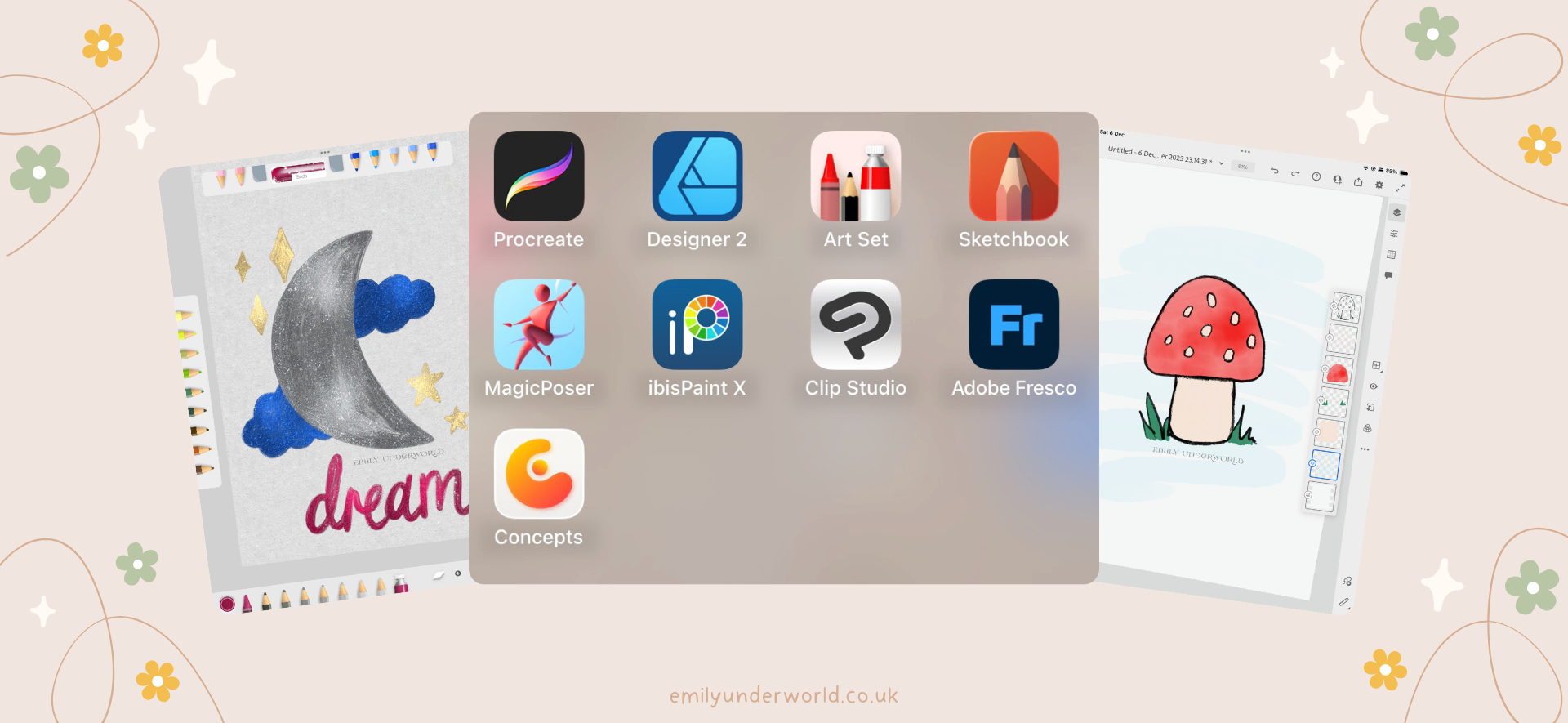
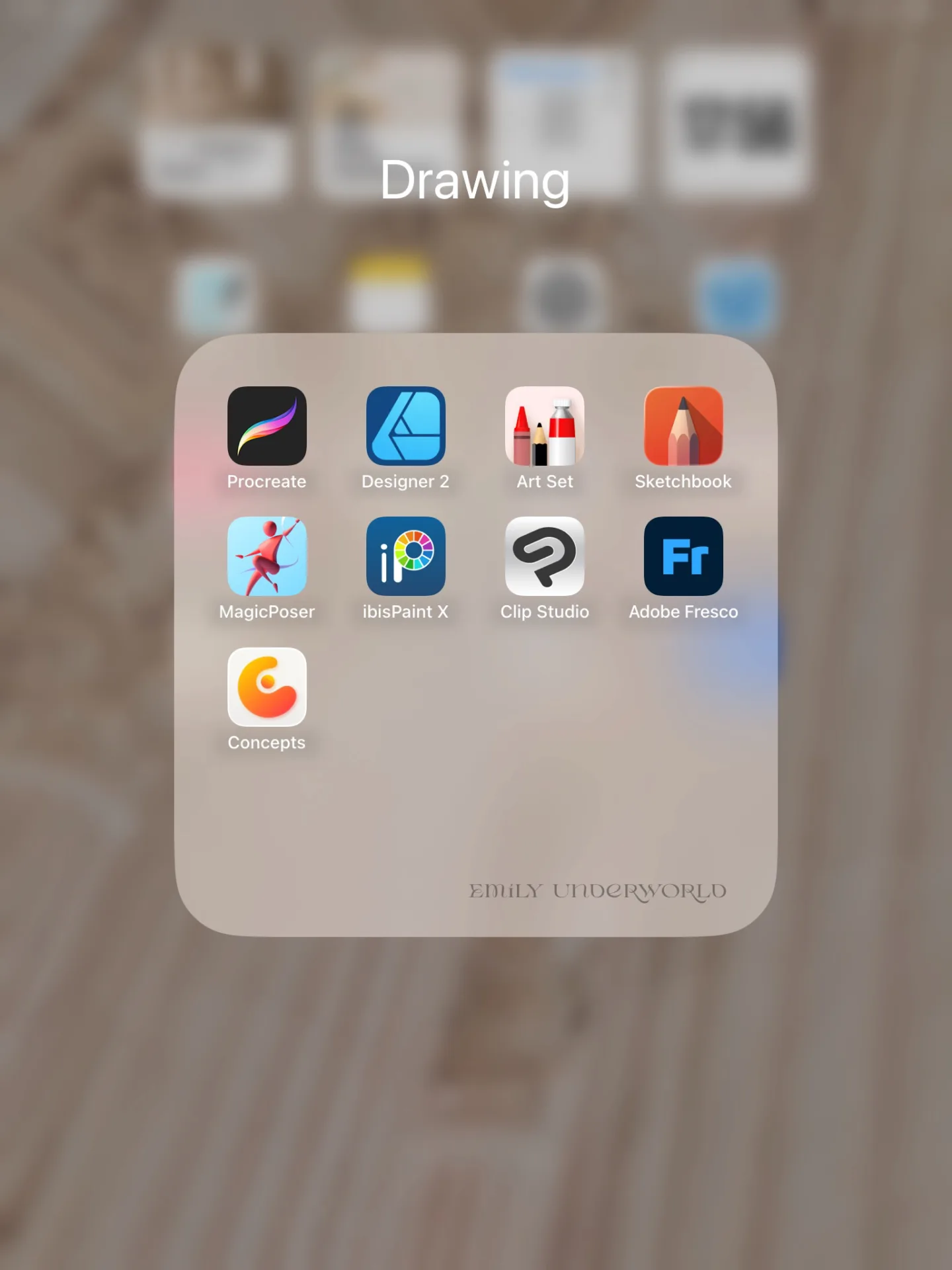
I’ve gathered my favourites (and the ones artists rave about), so you can find the app that fits your style, workflow and includes the tools you need.
My Top Digital Art iPad Apps
Procreate
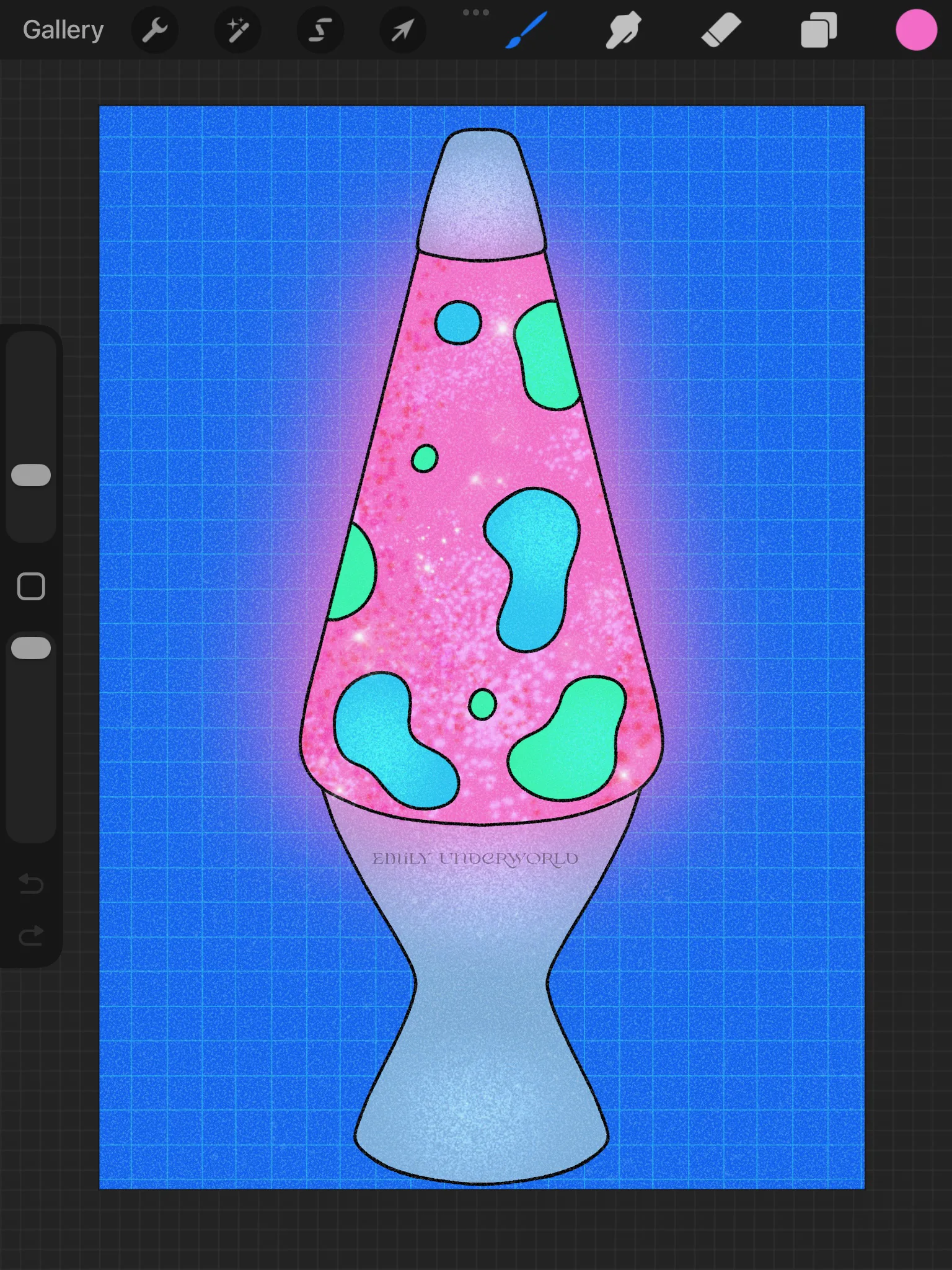
Procreate is the iPad art app. If you’ve never tried digital art before, this is the one I always recommend.
Why it’s great:
- It’s intuitive and easy to learn
- Massive brush library
- Beautiful for painting, illustration, lettering, and sketching
- Animation Assist is brilliant if you want to experiment with looping animations (they have also recently released another app for animation called Procreate Dreams).
Best For: Illustrators, hobbyists, painters, beginners, and literally anyone who wants a smooth, creative experience.
Cost: £12.99 one-time payment.
Vibe: Cosy digital sketchbook that somehow also has professional-level features.
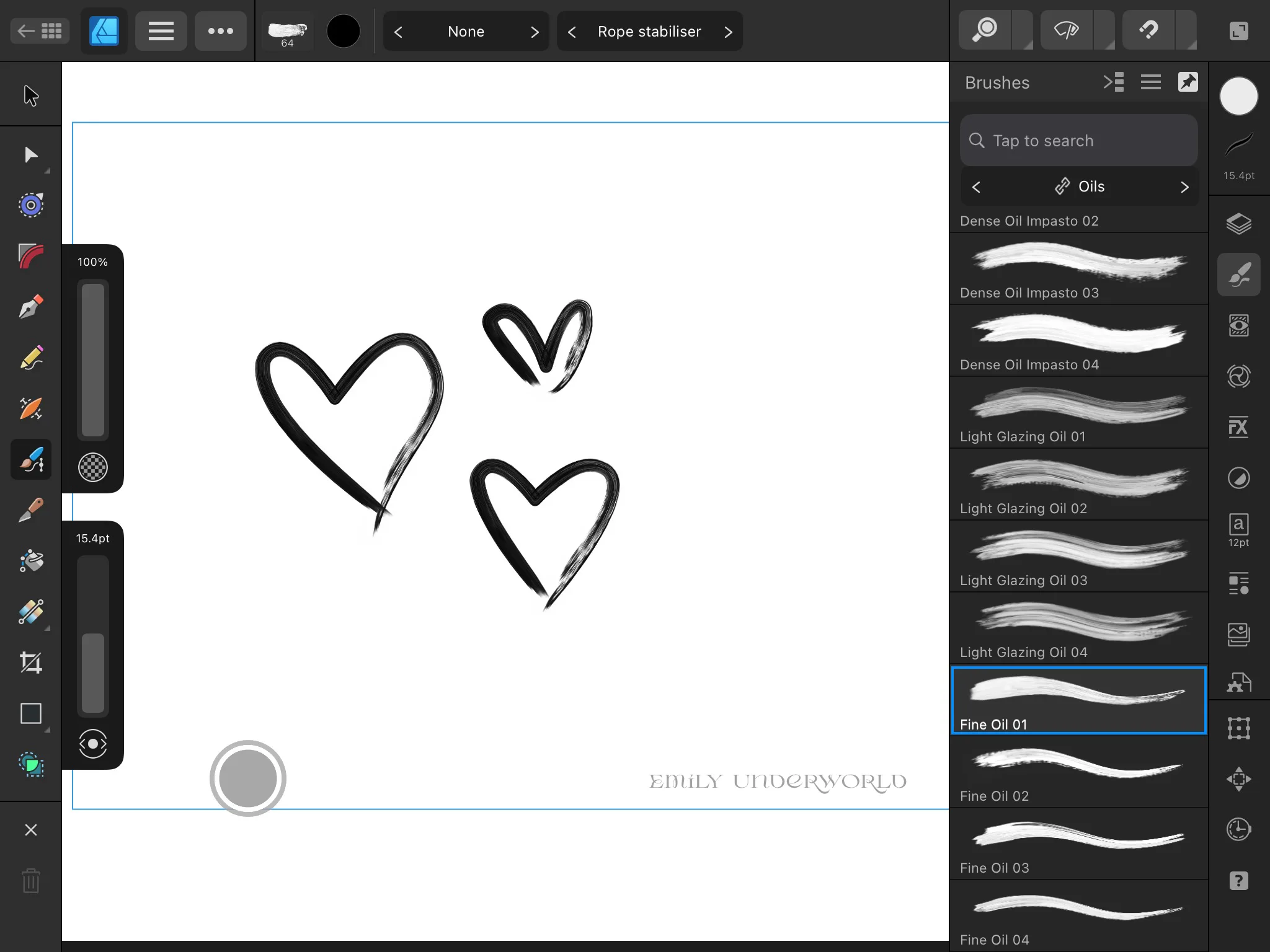
Affinity Designer
If you’re more into sleek, precise design work, Affinity Designer is incredible. Think logos, icons, posters, or anything vector-based.
Why it’s great:
- Vector and raster modes
- Ideal for clean, crisp designs
- A proper alternative to Adobe Illustrator (without the subscription cost)
Best For: Graphic designers, logo designers, vector lovers.
Cost: Free.
Vibe: A minimalist, modern design studio.
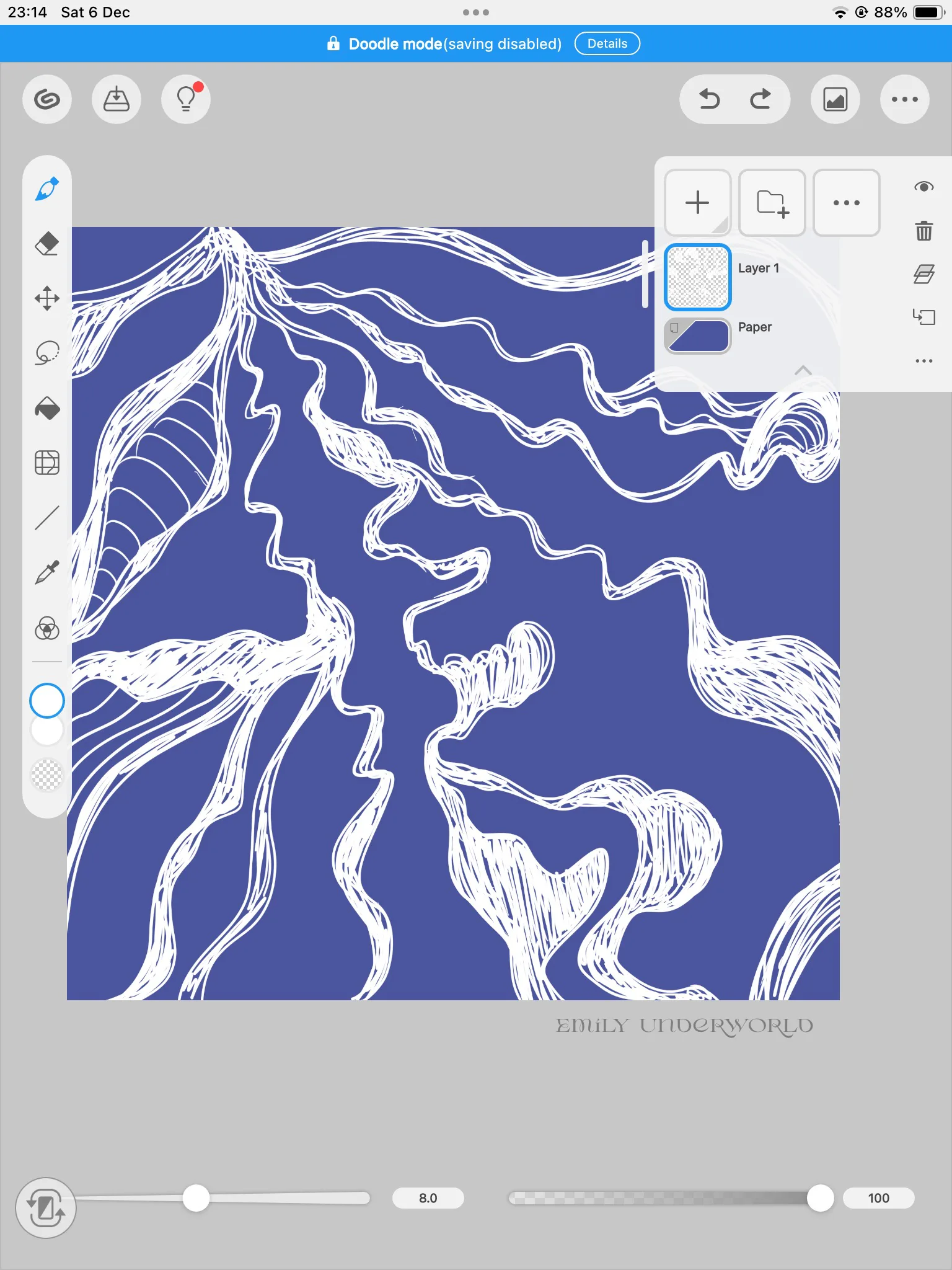
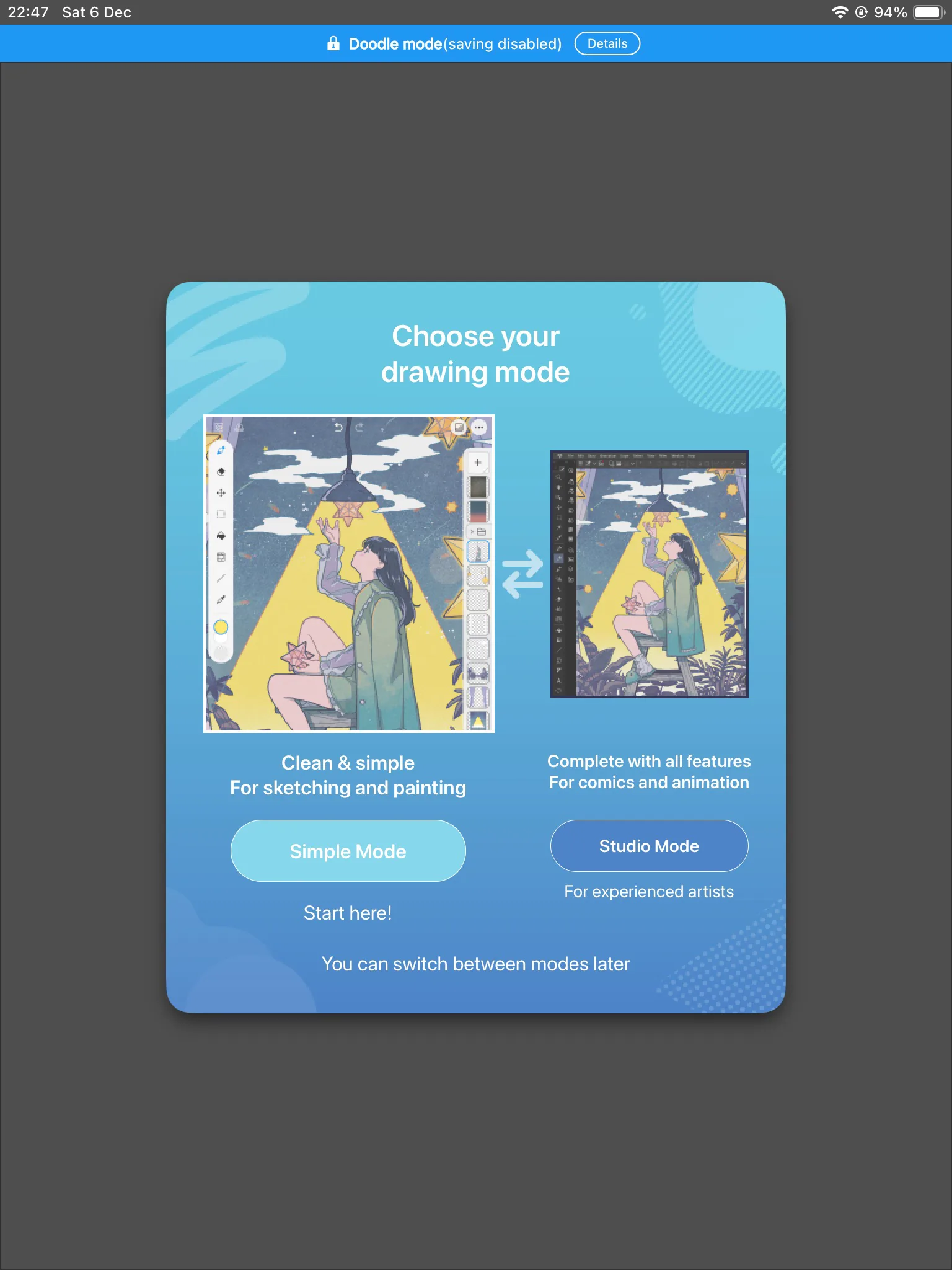
Clip Studio Paint
Comic and manga artists live for Clip Studio Paint. It’s insanely powerful.
Why it’s great:
- The best tools for line art
- Perspective rulers
- 3D models for posing
- Comic panel layout tools
- Animation support
Best For: Manga artists, illustrators, animators who need precision and control.
Cost: $58.50 for a lifetime license, or monthly plans from $0.99. A free trial is available.
Vibe: The artist’s desk covered in fineliners, rulers, references, and ink, but digital.
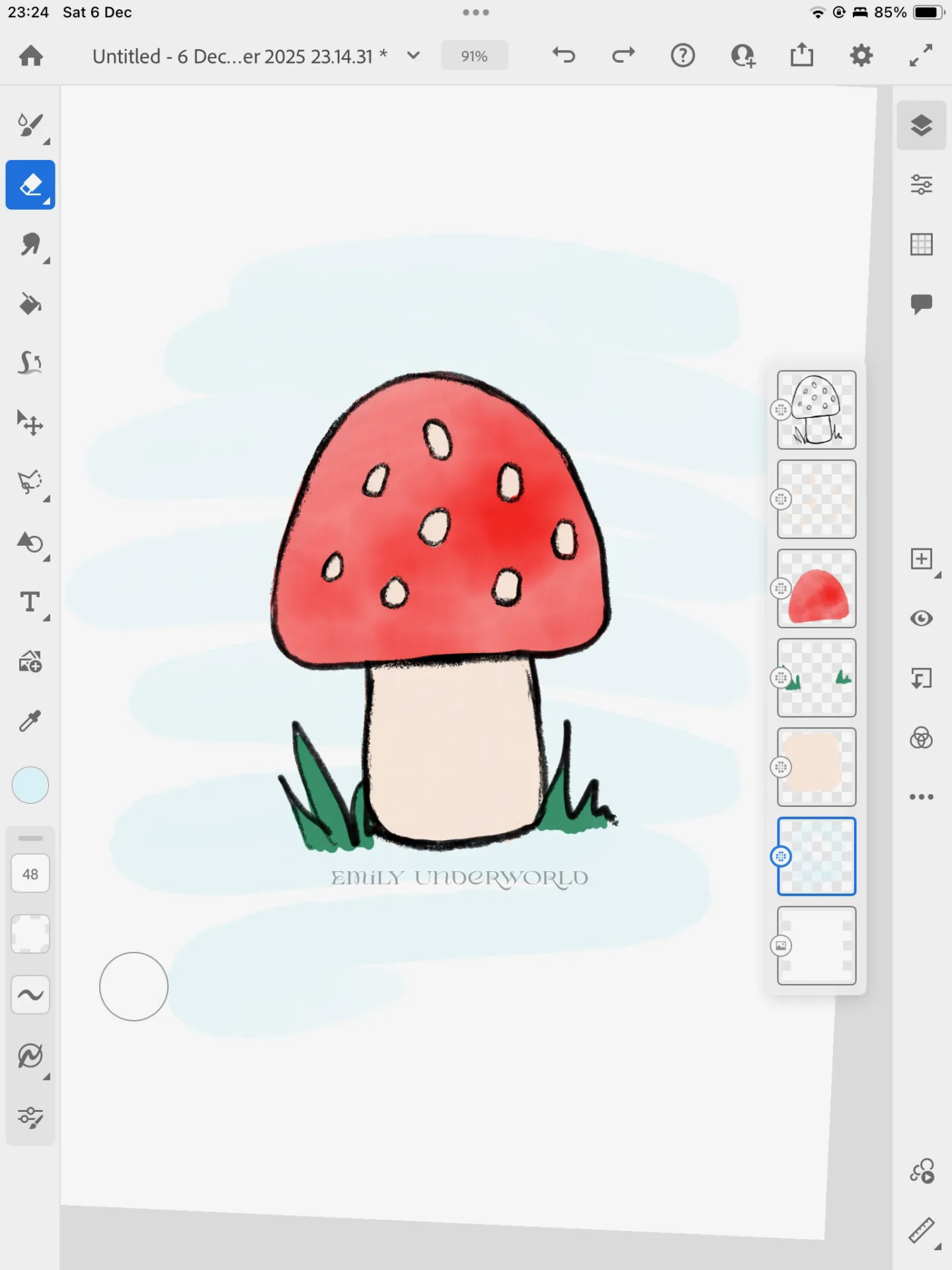
Adobe Fresco
Fresco is dreamy if you love traditional art. The watercolour and oil brushes blend in such a satisfying way.
It’s one of my favourites to play around with.
Why it’s great:
- “Live Brushes” feel like real paint
- Has both vector and raster brushes
- Syncs with Adobe Creative Cloud
Best For: Digital painters, traditional artists moving into digital, Adobe users.
Cost: Free.
Vibe: A portable, paint-splattered studio, minus the mess.
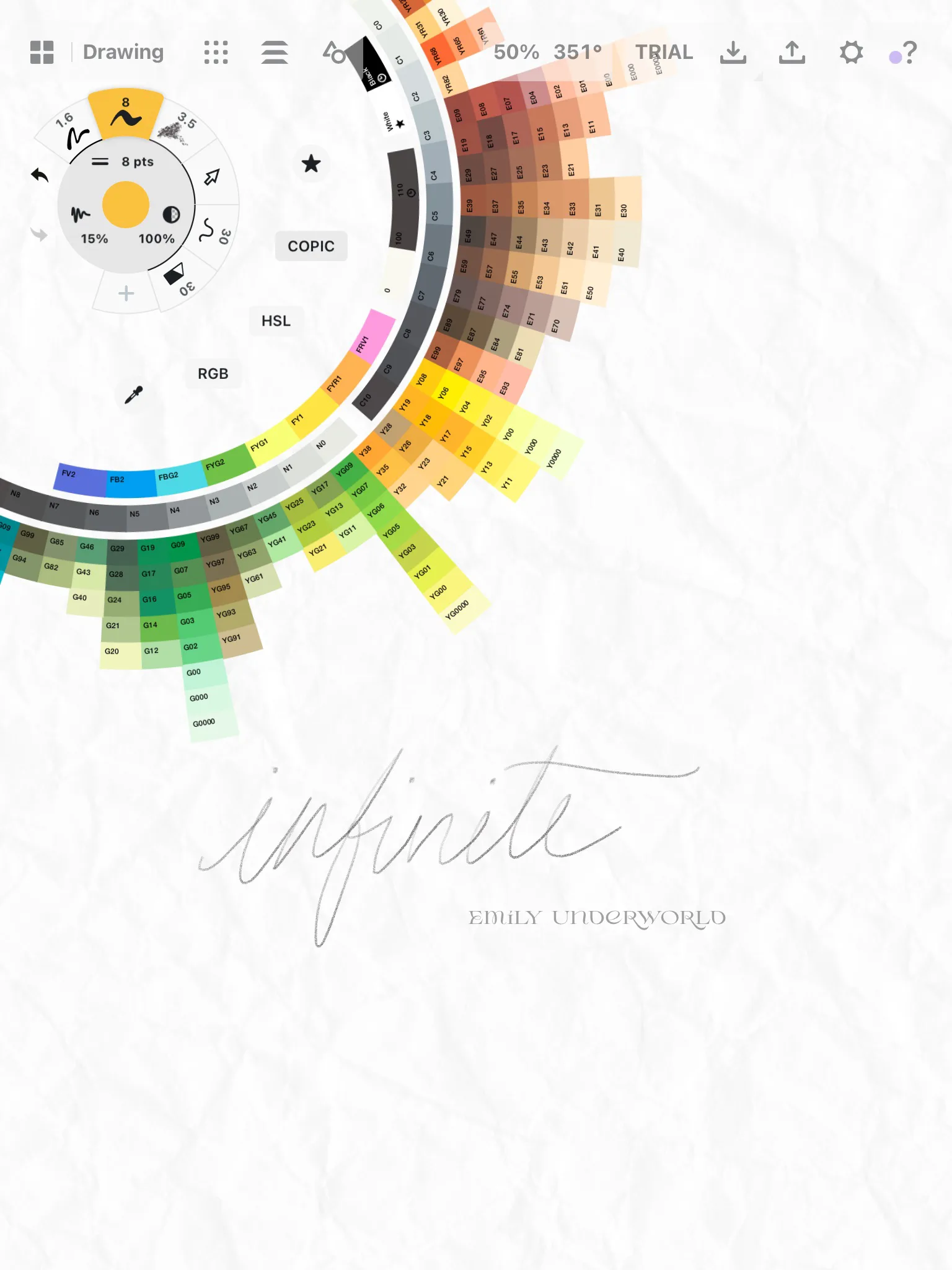
Concepts
This app is like an infinite notebook, perfect for sketching ideas, planning, or designing.
Why it’s great:
- Endless canvas
- Vector-based sketching
- Clean, flexible workspace
- It has COPIC marker colours built in!
Best For: Concept artists, designers, architects, or anyone who likes thinking visually.
Cost: Free, or $4.99 per month for additional features.
Vibe: A massive roll of drawing paper stretched across the floor.
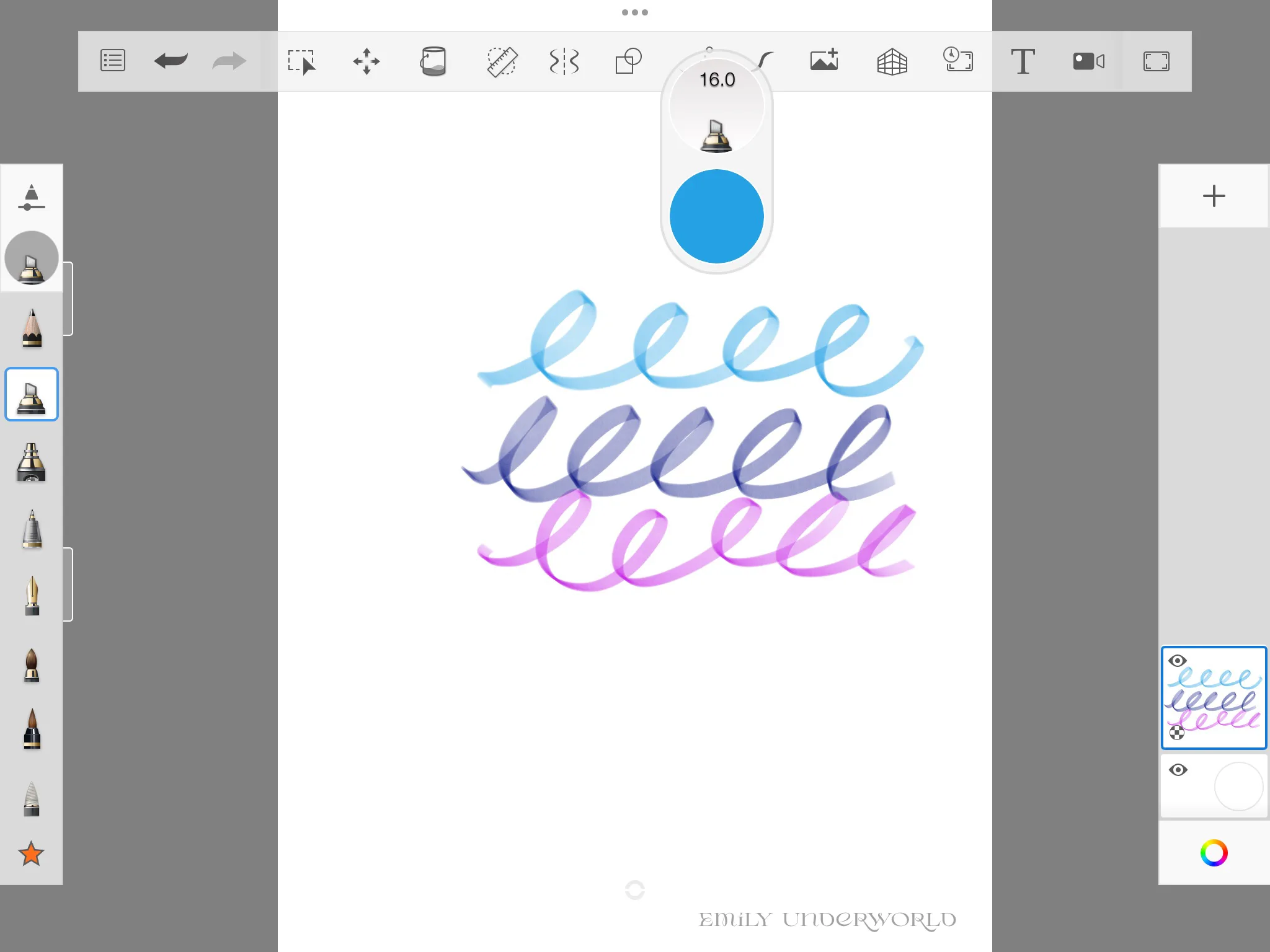
Sketchbook
Simple, clean, and surprisingly powerful for a free app.
Sketchbook is the first digital art app I ever used, back when it was owned by Autodesk.
Why it’s great:
- Loads of brushes
- Gorgeous interface
- Perfect for quick sketches or brainstorming
Best For: Beginners, doodlers, concept artists.
Cost: Free.
Vibe: A calm sketchbook session on a rainy afternoon.
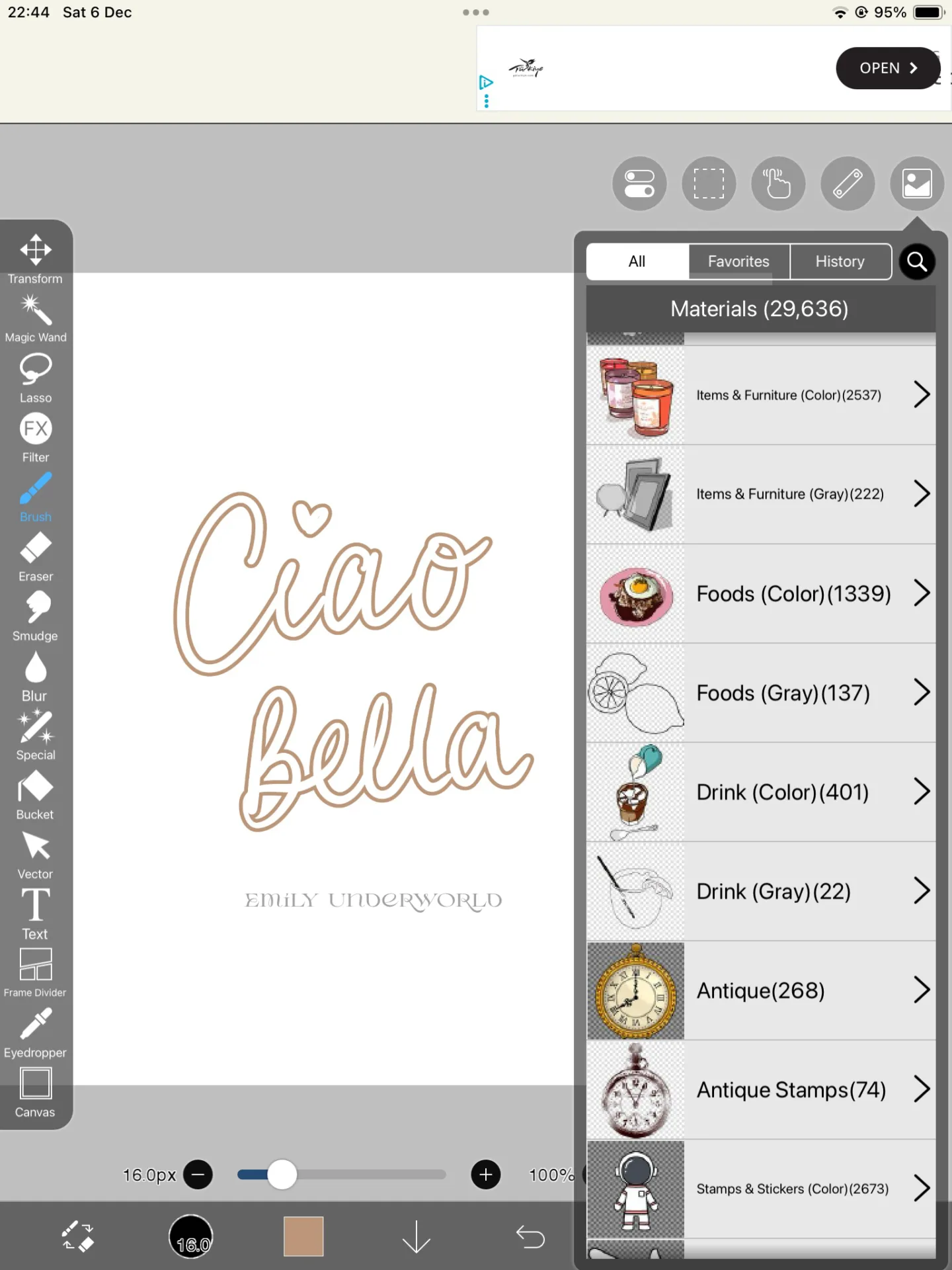
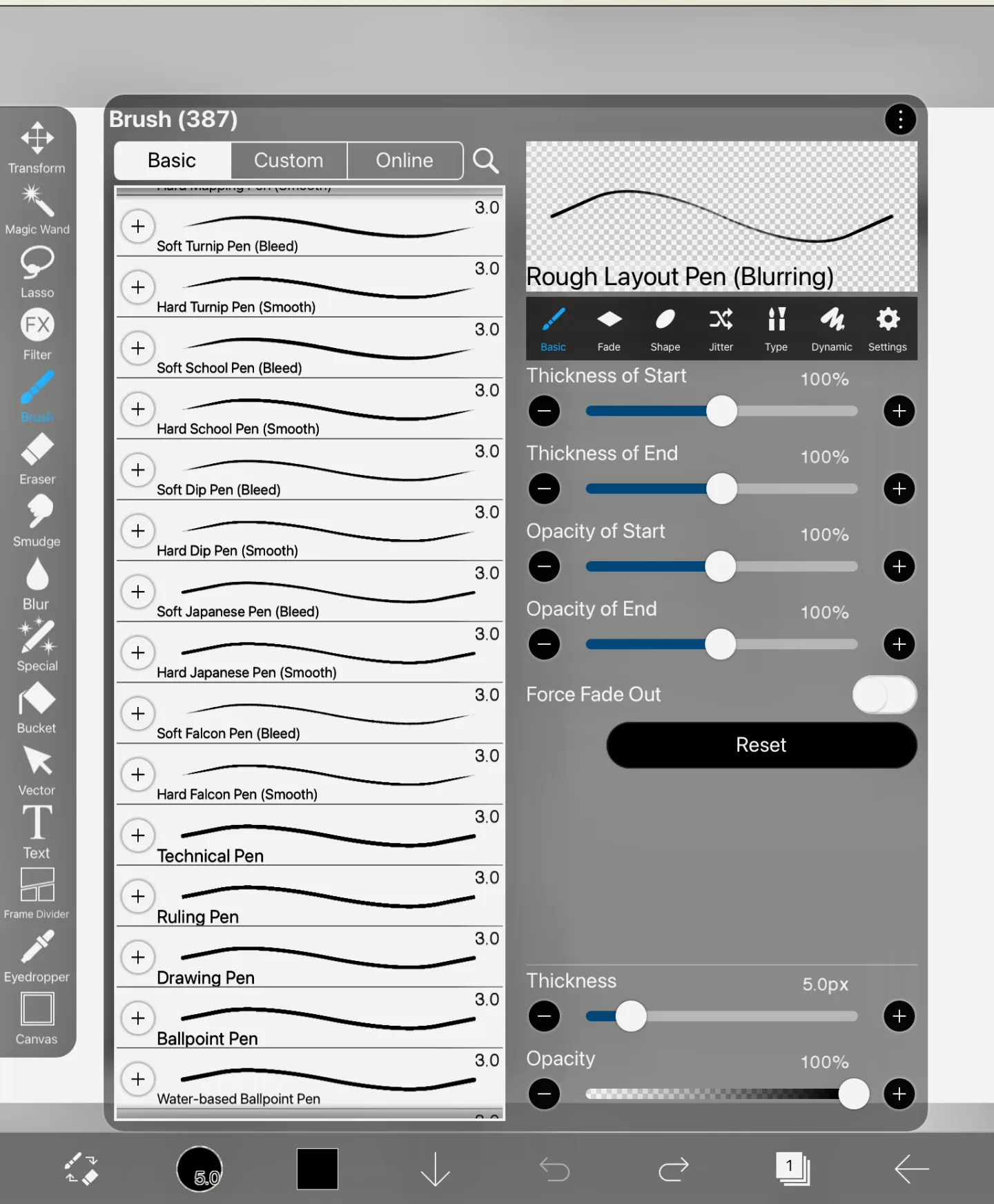
Ibis Paint X
If you’re into anime or manga styles, you’ll love this one.
Why it’s great:
- So many brushes
- Screen recording
- Community features
- Excellent line tools
Best For: Manga/anime artists, illustrators, beginners.
Cost: Free with ads or $15.99 one-time purchase to remove ads. They also offer a ‘Prime Membership’ for more features such as cloud storage, additional fonts, filters and materials for $4.49 per month.
Vibe: A digital playground full of tools, brushes, and creative prompts.
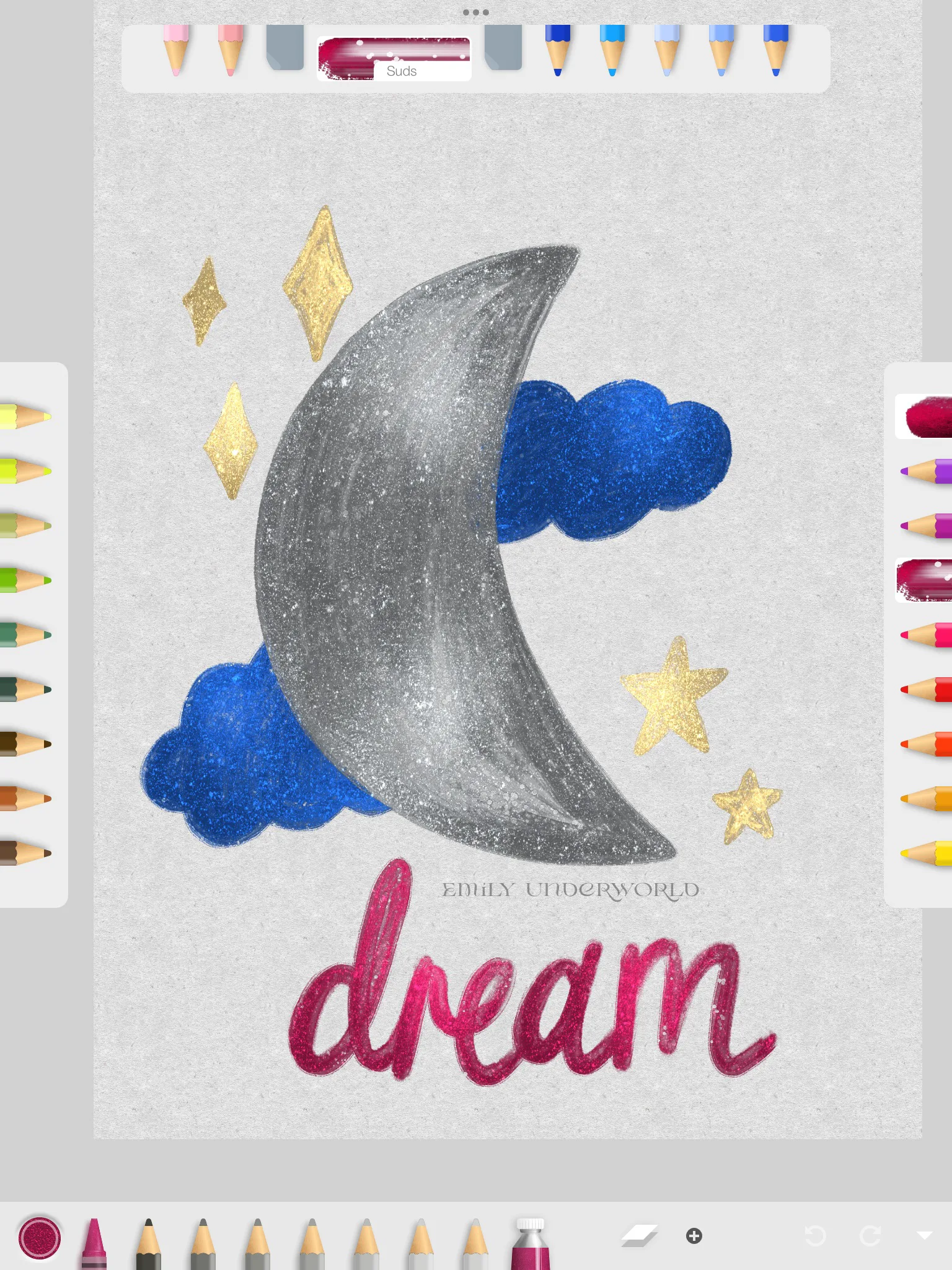
Art Set 4
If you love the feeling of traditional art, the texture, the imperfection, Art Set 4 is a lovely app to try.
Why it’s great:
- Tools that look and behave like real art materials.
- A calming, tactile drawing experience.
- Great for sketching, journaling, and expressive illustration.
Best For: Traditional artists, sketchbook lovers, journallers, and anyone who wants digital art to feel warm and analogue.
Cost: Free with in-app purchases for additional tools.
Vibe: Sitting at a wooden desk with a cup of tea, your favourite pencils laid out, and nowhere you need to be.
Bonus recommendation: Magic Poser by Gal Shir
If you’re the kind of person that sucks at anatomy (or you can’t visualise like me), this app is a god-send.
The app provides 3D human models you can pose in any way you want to use as a visual reference for your art.
It comes with a library of different premade poses, different body types and lighting effects.
You can try out the web app version for free. Magic Poser is a $9.99 one-time purchase or free for one model.
How to Choose the Best Art App for You
It all comes down to your creative personality and what you actually want to do with your art.
Your Style + Goals
Do you want to paint? Sketch? Make comics? Design logos?
Different apps excel at different things.
Budgets
You don’t need to spend money right away. Try free apps, trials, and see what feels natural.
Features That Matter to You
For example:
- Vector tools
- Animation
- Text
- Layers
- Infinite canvas
- Cloud sync
- Compatibility with your other tools
Learning Curve
Some apps (hello, Procreate) are very user-friendly.
Others (Clip Studio Paint) give you more power, but with a busier interface.
YouTube tutorials help a lot! I’m also a big fan of Skillshare.
Ecosystem
If you’re already using Adobe, Fresco fits perfectly.
If you want one-and-done purchases? Procreate is your best friend.
Affinity was recently acquired by Canva and made available for free. I’m excited to see what this means for product development.
There are so many incredible digital art iPad apps out there, and the beauty is: you really can’t go wrong.
Whether you want a cosy sketching app, a serious illustration powerhouse, or a free tool to experiment with, your iPad is capable of so much.
Download a couple, find what feels natural, and let yourself create, even if it’s just ten minutes before bed or in between emails! Drawing is such a great creative self-care activity.
All the best,

More Posts About Hobbies You’ll Love:
- What Is a Junk Journal? How to Start Yours + Inspiration.
- 47 Self-Care Ideas for Every Mood.
- 50 Creative Hobbies To Try At Home This Year.